


BC Game
APK Download Indonesia
| APK detail | Current information |
| Platform | BC.GAME |
| Launch year | 2017 |
| Operator | Twocent Technology Limited, registered in Belize |
| Gaming licence | Government of the Autonomous Island of Anjouan, Union of Comoros, licence ALSI-202410011-FI1 |
| Availability in Indonesia | Subject to platform controls and Indonesian law, which prohibits online gambling |
| Android format | APK file downloaded from an official BC.GAME source |
| File size | Check the current download page because the package can change between versions |
| Minimum Android version | Confirm on the live download page before installation |
| iOS route | Safari home screen web app or another current official option shown for the device and region |
| Currencies and payments | Crypto and fiat options vary by account, region and cashier configuration |
| Minimum deposit | Depends on the selected currency and payment method and is displayed in the cashier |
| Updates | Android may require a newer APK, while browser based routes update with the website |
| Support | Help Centre and live support |
The term BC game app download can refer to more than one mobile route. Android users may install a package file, while iPhone users may receive an app style icon that opens a web application. The responsive website remains an alternative when installation is not suitable.
How to Download the BC Game App in Indonesia
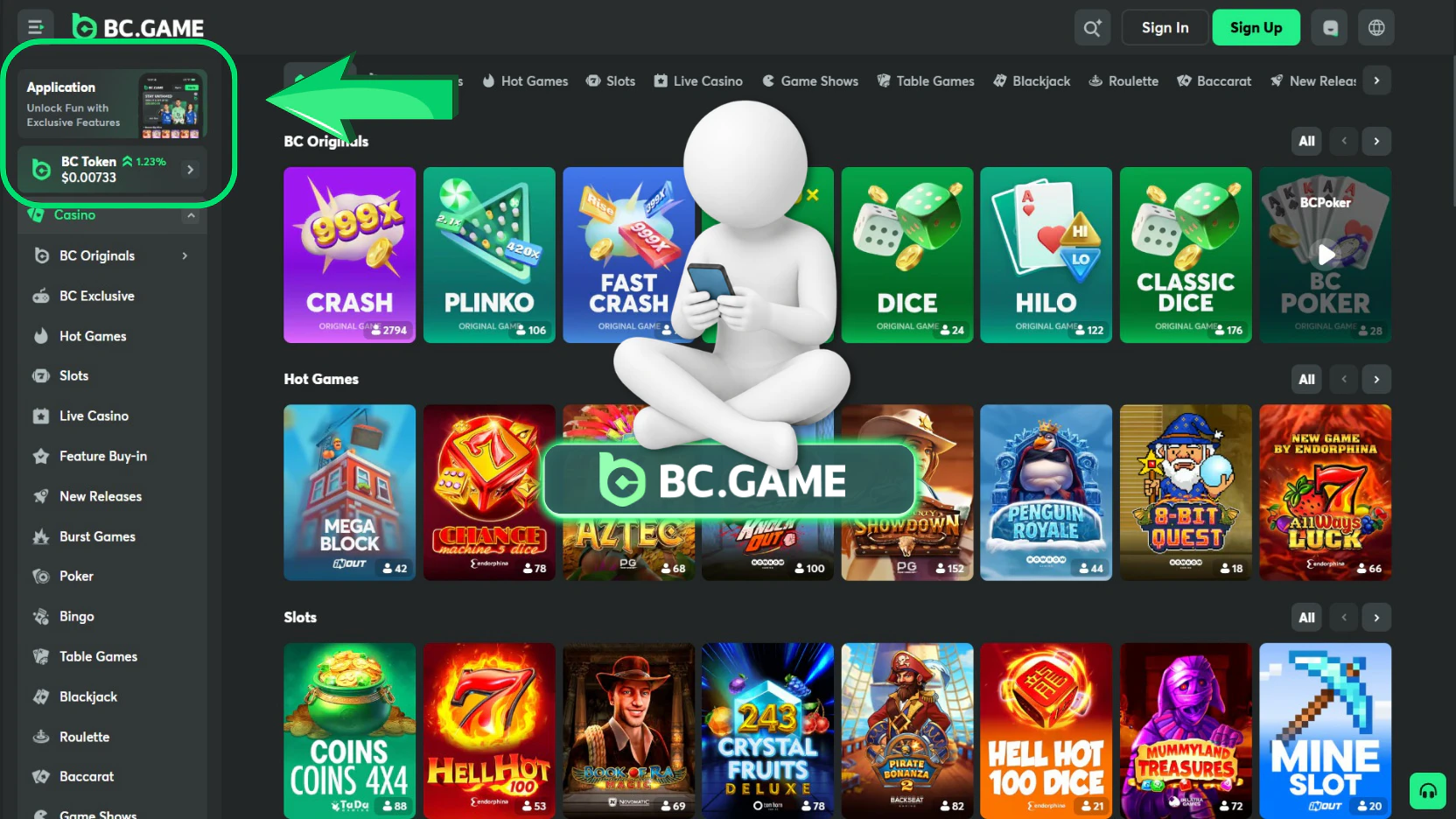
Start from the official BC.GAME website or a mirror published in the official Help Center. This matters because an APK can install software outside the normal app store process. A copied package from an unknown website may be outdated, modified, or malicious.
Before downloading, confirm the following:
A page may present separate choices for Android and iOS. Select the route that matches the device. Do not install an Android APK on an iPhone, and do not expect an iOS home screen web app to behave exactly like a native Android package.
BC.GAME advises users to obtain the latest version from its own website. Search advertisements and unofficial download directories should not be treated as trusted sources. A download link shared through Telegram, a forum comment, or a private message should be checked against the official site before it is opened.

Downloading the Android Version
An Android BC game download normally uses an APK file. APK means Android Package Kit. It contains the files Android needs to install an application.
The usual process is:
Android may warn that the file comes from outside Google Play. This warning is normal for a direct APK, but it should never be ignored automatically. Confirm that the file came directly from BC.GAME. Grant installation permission only to the browser or file manager being used, then disable that permission after installation when it is no longer needed.
Can You Download BC Game on iOS?
An APK is an Android package and cannot be installed on an iPhone or iPad. BC.GAME describes an iOS route through Safari that adds the mobile site to the home screen. Open the verified site, use the Share menu, choose Add to Home Screen and confirm the shortcut. Availability can differ by region and iOS version, so users should follow the current official instructions and avoid unknown configuration profiles.



Installing the APK File
An APK is not merely a document. Opening it starts an installation process that can place executable software on the device. The user should therefore verify the source before tapping the file.
During installation, Android may display the application name, requested permissions, and an Install button. Read this information before continuing. A betting application may need network access and notification controls, but an unexpected request for unrelated accessibility control, device administration, contact access, or text message access deserves caution.
After successful installation:
- Open the application once and confirm that it loads the expected BC.GAME interface.
- Compare the website address and branding with the official platform.
- Remove old APK files from the Downloads folder to reduce confusion.
- Disable the temporary permission to install unknown applications if it was enabled.
- Keep only the latest trusted installer when a backup is genuinely needed.
- Check the official page periodically for a newer release.
| Mobile route | Installation method | Updates | Main advantage | Main limitation |
| Android APK | Download and install a package file | May require a new APK download | Direct icon and mobile interface | Requires careful source verification |
| iOS home screen web app | Add the official website through Safari | Web content updates automatically | No external package file | Depends on Safari and web app support |
| Mobile browser | Open the responsive website | Automatic website updates | No installation | Requires opening a browser and website |
| Desktop site on mobile | Browser may request desktop view | Automatic website updates | Useful for troubleshooting | Interface can be less comfortable on a small screen |
Device Requirements
BC.GAME does not need to publish one permanent technical specification for every mobile route because the website and package can change. A practical device should use a reasonably current operating system, have free internal storage, and support current browser security standards.
A suitable setup normally includes:
- A recent Android or iOS release that still receives security updates.
- Sufficient storage for the APK, installed files, and future updates.
- A current version of Chrome, Safari, or the relevant system web component.
- Stable WiFi or mobile data.
- Enough memory to run the application without constant background closure.
- Correct date and time settings for login and authentication codes.
- A secure screen lock.
An exact minimum version should be checked on the official download page at the time of installation. A number quoted in an old review can become inaccurate after an update.
Supported Android Versions
Modern Android releases are more likely to support current encryption, browser components, notifications, and package security checks. An older phone may download the APK but fail during installation, show a parsing error, or close the app after launch.
Update Android, Chrome and Android System WebView before troubleshooting. Unsupported devices may fail to install or run the package reliably.
Internet Connection Requirements
A stable connection is important because games, live odds, wallet data, and account security requests are loaded from the platform. An unstable network can cause:
- An incomplete APK download.
- A damaged installation file.
- Repeated login prompts.
- Delayed balance or transaction updates.
- Frozen live game screens.
- Changing sportsbook odds before confirmation.
- Interrupted verification requests.
Use a trusted connection for account and payment actions. Public WiFi can introduce fake login portals and unstable routing. Mobile data or a secured home network is preferable.
Installing the App
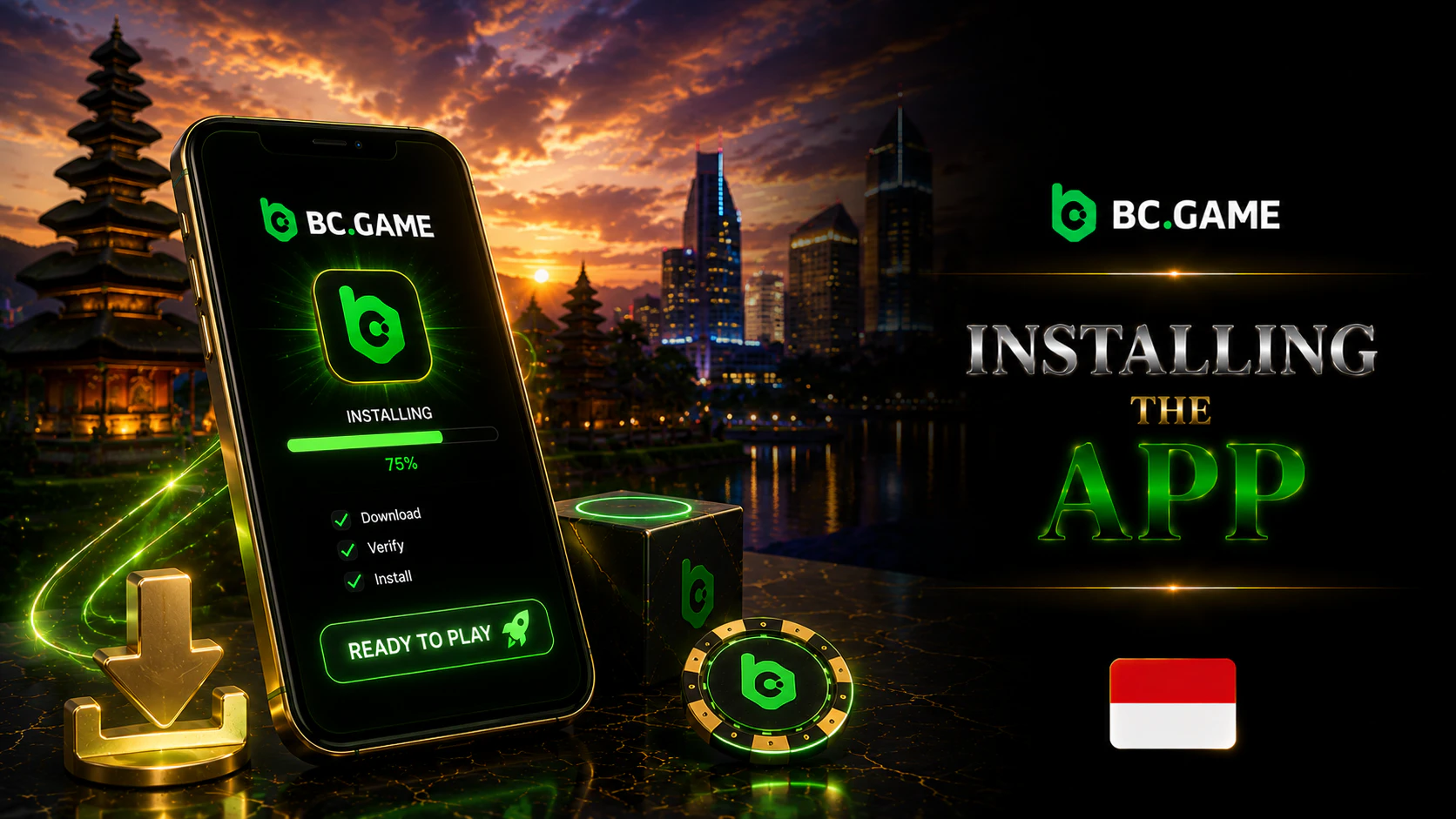
Once the download is complete, open the installer and follow the system prompts. Android installation usually takes less than a few minutes, although the exact time depends on device speed, file size, and storage condition. The iOS home screen route is normally completed immediately after the user confirms Add.
The application should not require registration merely to complete installation. Account creation or login happens after the first launch. Avoid entering personal details into an installer window. Credentials belong in the official BC.GAME interface after the package has opened.
Granting Installation Permissions
Android permission to install unknown applications is usually granted for one source, such as Chrome. The setting may appear under Apps, Special Access, Install Unknown Apps, or a similar menu.
Use this approach:
- Allow installation only for the browser used to download the verified APK.
- Return directly to the downloaded file.
- Complete the installation.
- Reopen the permission setting.
- Disable the permission unless another trusted installation is immediately required.
Launching the App for the First Time
The first launch may load configuration files, request notification permission, show a language selector, or present login and registration options. Allow the interface to finish loading before tapping controls repeatedly.
Check the following on first launch:
- The logo and visual interface match the official website.
- The sign in form is presented through the expected BC.GAME environment.
- No unrelated application asks for credentials.
- The language and region settings are appropriate.
- Support and security pages can be opened.
- The app does not redirect to an unknown domain.
A mobile icon does not remove the need to check legality. Indonesia actively blocks online gambling content and prohibits online gambling. Users should not use an application, mirror, or VPN to bypass legal restrictions.
Logging In After Installation
An existing user can select Sign In and enter the registered email address or phone number plus the password. Complete two factor authentication or another security check when prompted. The same credentials used on the website should identify the same account.
Signing In with an Existing Account
Enter credentials carefully. Mobile keyboards can insert spaces, capital letters, or automatic corrections. When the password is rejected, reveal it briefly in a private environment to check the characters, then hide it again.
A remembered session is suitable only on a personal device with a screen lock. Sign out from shared phones and tablets. Review account security after reinstalling the app, changing devices, or restoring a phone from backup.
Creating a New Account
A new user may see a registration option after installation. The BC game sign up process should be completed only after checking the platform terms, local law, age requirement, and regional availability. The user should provide accurate information and keep control of the email or phone used for recovery.
Registration does not guarantee access to every bonus, payment route, or game. KYC can be requested later for security, payments, promotions, or compliance.
Updating the BC Game App
Updates can correct errors, improve compatibility, change interface elements, and address security issues. An outdated package may stop connecting correctly or display features that no longer match the website.
Android APK updates may require a new download from the official application page. The newer package normally installs over the existing version, but the user should confirm that it comes from the same official source. Do not remove the existing application unless the official instructions or troubleshooting process requires it, because removal can clear local settings.
How to Check for Updates
Use the following routine:
- Open the current app and look for an official update notice.
- Visit the official BC.GAME mobile download page.
- Compare the available version information when it is shown.
- Download a replacement APK only from the verified source.
- Close the app before installing the new package.
- Reopen it and confirm that login, wallet, and navigation work.
Do not rely on popups from unrelated websites that claim an urgent BC game apk update is required. Close the popup and check the official page independently.
Common Download and Installation Problems
Most problems fall into a small number of categories. Work through them in order rather than downloading multiple files from different websites.
| Problem | Likely cause | Practical response |
| APK will not install | Unknown app permission disabled, damaged file, or incompatible Android version | Enable permission for the trusted source, download again, and check system updates |
| App closes after launch | Old system components, low memory, damaged installation, or network issue | Restart the phone, update components, clear cache, or reinstall from the official file |
| Not enough storage | Limited internal memory or large cached files | Remove unused downloads, clear safe caches, and move personal media to secure storage |
| Download stops | Weak connection, browser interruption, or storage limit | Use a stable network, restart the browser, and download again |
| Login loops | Cookie, WebView, time, or session problem | Update WebView, clear app cache, correct date and time, then sign in again |
| iOS icon opens incorrectly | Old shortcut or Safari storage problem | Remove the icon and add it again from the official page |
The APK File Will Not Install
First confirm that the file finished downloading. A partial APK can produce a parsing or package error. Delete it and obtain a fresh copy from the official source. Check that Android allows the browser to install unknown applications, then disable the setting after completion.
An existing package signed differently may also block installation. This can happen when an unofficial or modified version was installed previously. Remove suspicious packages only after confirming that account recovery details are available.
The App Crashes After Installation
Restart the device, close other applications, update Android System WebView, and clear the BC.GAME app cache. Do not clear all app data unless the login credentials and two factor authentication access are available. If the crash began after an update, check the official Help Center and contact support.
BC Game APK Features
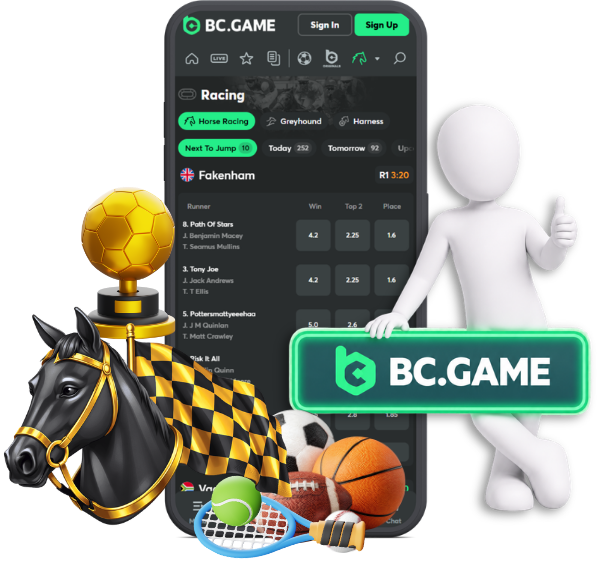
The Android application can provide access to the same main account areas as the mobile website, subject to the current version and regional availability. These may include slots, live casino, sportsbook and esports sections, the wallet, bonus centre, transaction history, profile settings and support. Search, filters, favourites and balance controls can appear where supported by the live interface.
Casino Games and Sports Betting
Open the relevant lobby, use the search or category menu and select the game or event. Before playing, check the game rules, bet limits and bonus eligibility. Sports and esports markets can change in real time, so the bet slip should be reviewed before confirmation.
Payments, Bonuses and Account Settings
The Wallet area displays the deposit and withdrawal methods available to the account. Minimum amounts, fees and processing information depend on currency, provider and verification status. The Bonus area shows active offers and rollover progress, while security settings can include verified contact details, password controls and two factor authentication.
BC Game APK vs Mobile Website
The APK offers a dedicated icon and may provide app notifications and direct navigation. The mobile website requires no installation, takes no extra storage and receives interface updates automatically. Neither route is always better. The safer choice is the official, updated option that works reliably on the device.
BC Game APK for Indonesian Players
Language, currency and payment options are determined by the live account and cashier. Indonesian rupiah or a specific local payment method should not be assumed without checking. Indonesia prohibits online gambling, so users should not use an APK, mirror or VPN to bypass regional or legal restrictions.
Responsible Use of the BC Game App
Mobile access can make sessions easier to start, which also makes limits important. Set a fixed budget and time limit before opening the app, disable promotional notifications when they create pressure and use pause or self exclusion tools when control weakens. Never use borrowed money or chase losses.
FAQ
BC.GAME does not normally charge a separate installation fee for its Android APK or iOS home screen web app. Mobile data charges can still apply, and the platform may involve deposits or wagers after login. Check the official download page rather than a third party page that requests payment for the installer.
An account may be opened on more than one personal device, but simultaneous sessions or new device logins can trigger security checks. Do not share the account. Sign out from devices that are sold, lost, repaired, or no longer controlled by the account holder.
Yes. Install official updates when available because older versions can develop compatibility and security problems. Android users should obtain replacement APK files only from BC.GAME. iPhone users should keep iOS and Safari updated even when the home screen web app refreshes its content automatically.
Neither route is always safer. An official, updated app on a protected phone can be secure, while an APK from an unknown website can be dangerous. An updated browser on the correct official domain can also be secure. Source verification, software updates, two factor authentication, and device protection matter more than the label app or browser.